
How to Use FindWatch: Step-by-Step Watch Identification Guide
This step-by-step guide walks you through FindWatch from start to finish: photograph the dial, read the brand, model and reference number from your result, then check current market prices — with authenticity signals, specifications and AI visualization along the way.
The short answer: how to find out what watch this is
- Photograph the dial straight on, well lit and in focus.
- Upload it on the FindWatch home screen — no account needed.
- Read the result: brand, model, reference number, specs, authenticity signals, and current market prices.
Typical answers look like "Rolex Submariner Date 126610LN", "Omega Speedmaster Professional 310.30.42.50.01.002" or "TAG Heuer Carrera CBS221M" — a specific reference, not just a family name.
After the ID: prices and visuals
Identification is the first step. Once you know the reference, two member tools take it further.
- Check watch prices by reference number — compare live listings from authorized dealers, grey-market sellers and pre-owned specialists, with retail versus secondary-market ranges side by side.
- Visualize your watch in AI scenes — upload one photo and see the same watch in 200+ studio, wrist and lifestyle scenes without any editing skills.
Both are included in the free 30-day trial — no payment required.
How online watch identification works
Traditional watch identification means matching a case back engraving or a reference number against a printed catalogue. An online watch identifier does it from the outside in: the AI reads the dial text, logo placement, indices, hand shapes, bezel type, crown guards, lug profile and bracelet end-links, then narrows those cues to a single manufacturer reference.
- No reference number needed. Vintage pieces with worn case backs are identified from dial and case geometry alone.
- Reference-level output. You get "126610LN", not just "a Submariner".
- Cross-checked. Each result is compared against manufacturer product data and reference imagery before it is shown, and uncertainty is stated instead of hidden.
- Free and browser-based. Nothing to install — a watch identifier that runs on any phone camera.
How to Identify a Rolex (or Any Watch) by Photo
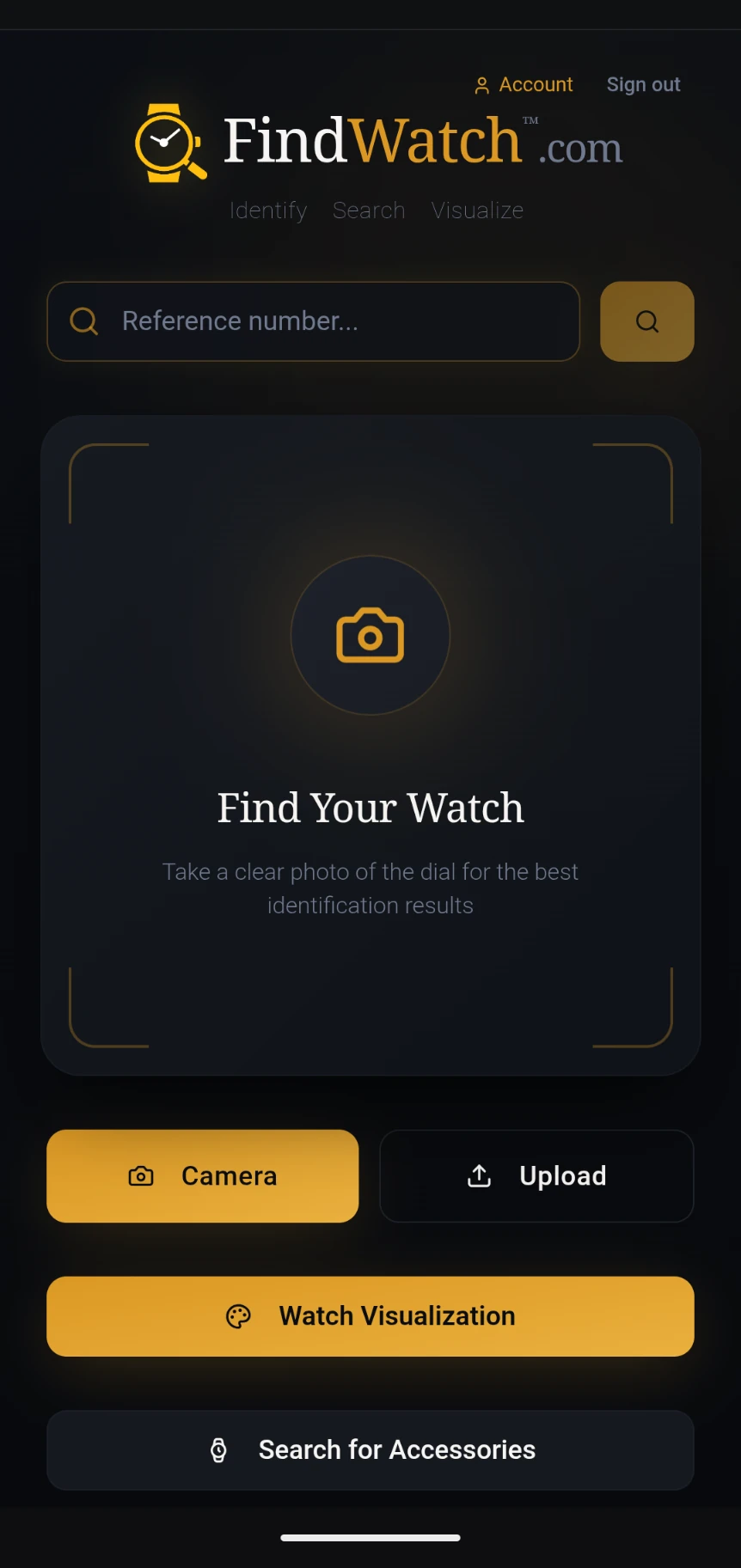
From the home screen, you can take a photo with your camera, upload an image from your gallery, or go directly to the Watch Visualizer or Accessories search.
Capture or Upload a Photo
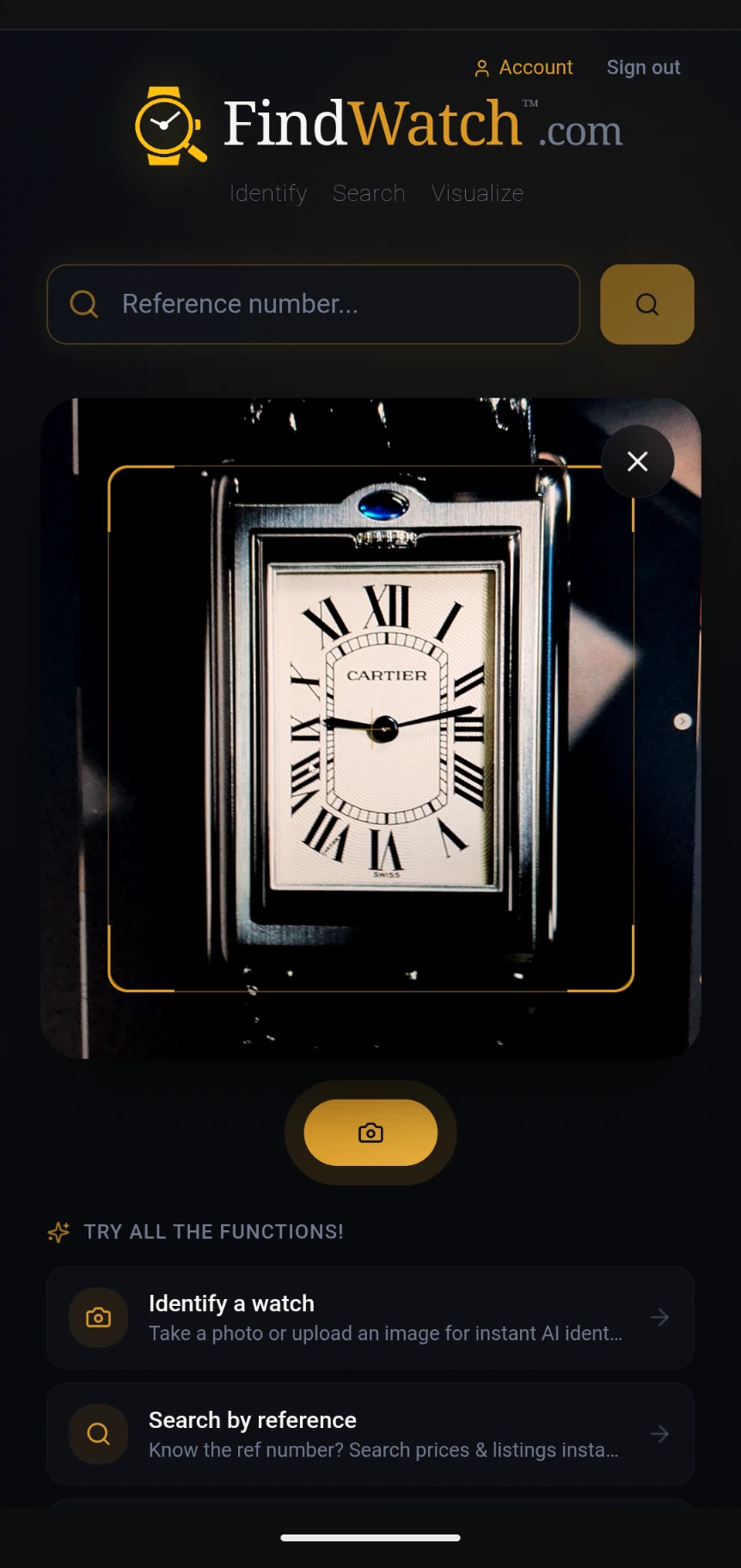
Take a clear photo of the watch dial, or upload an existing image. Make sure the dial is well-lit and in focus for the best results.
AI Deep Scan
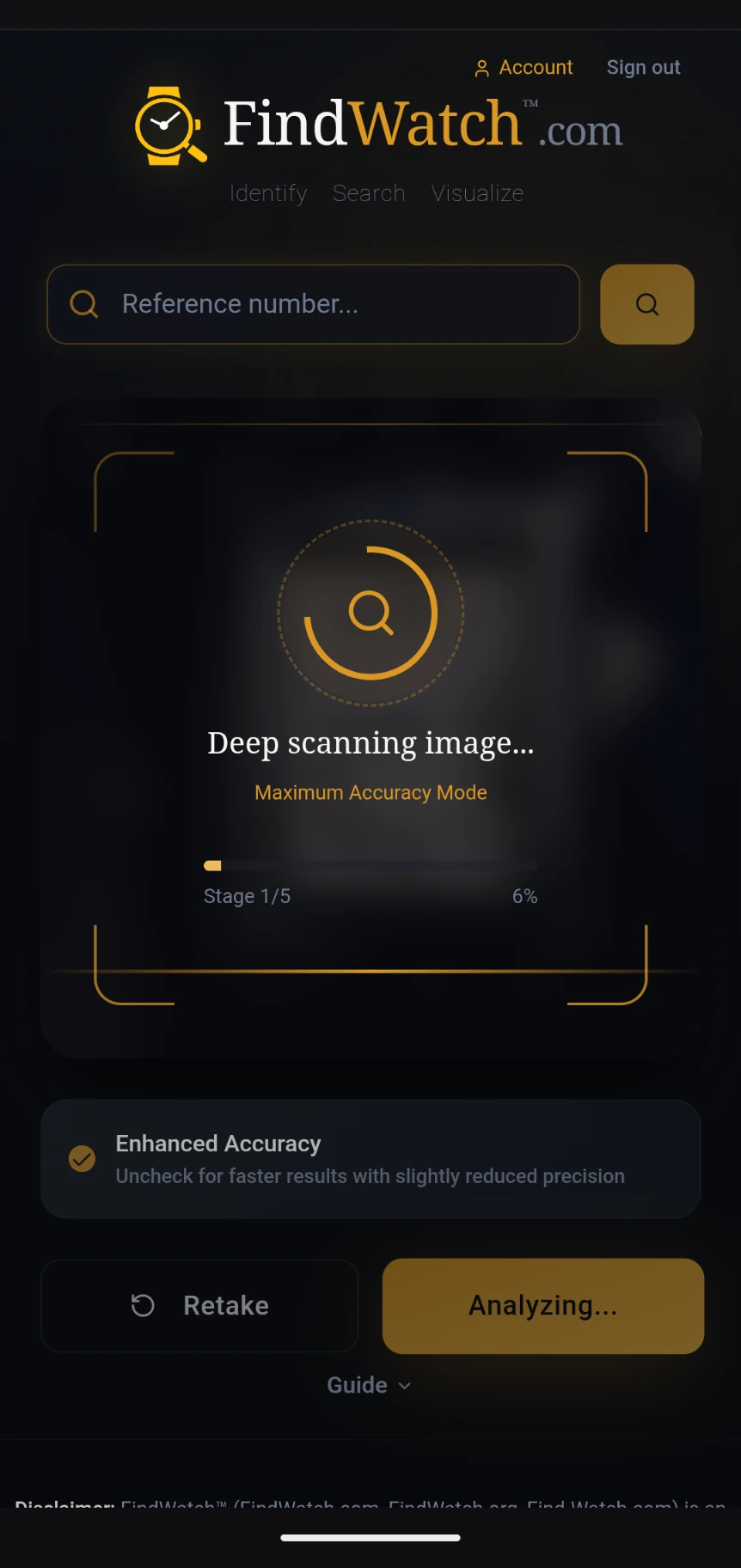
FindWatch uses AI to deep-scan your image through multiple stages. The progress bar shows the current stage and percentage. Enhanced Accuracy mode provides the most precise results.
View Your Results
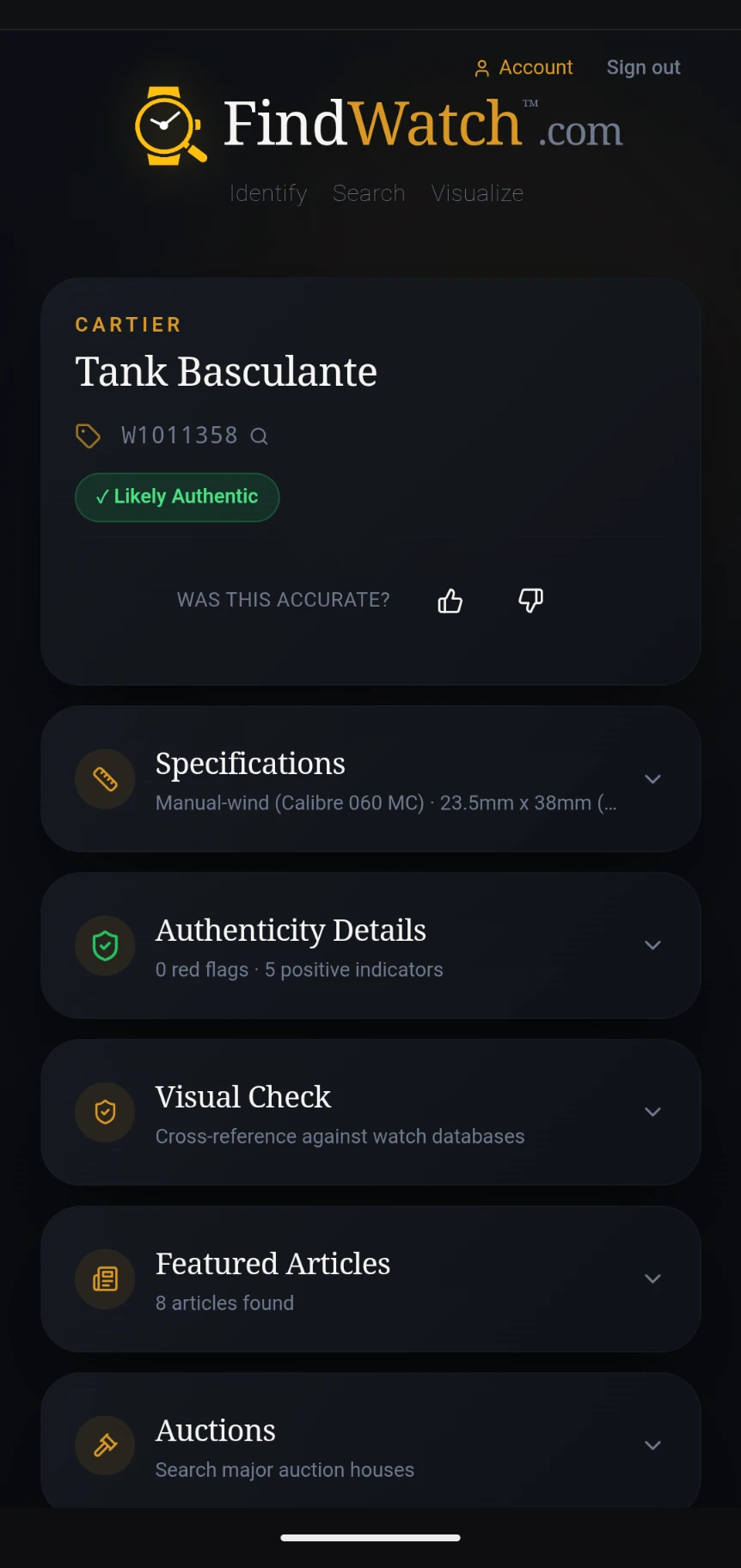
The AI identifies the brand, model, and reference number. You'll also see an authenticity assessment. Tap any section to expand it for more details.
Explore Specifications
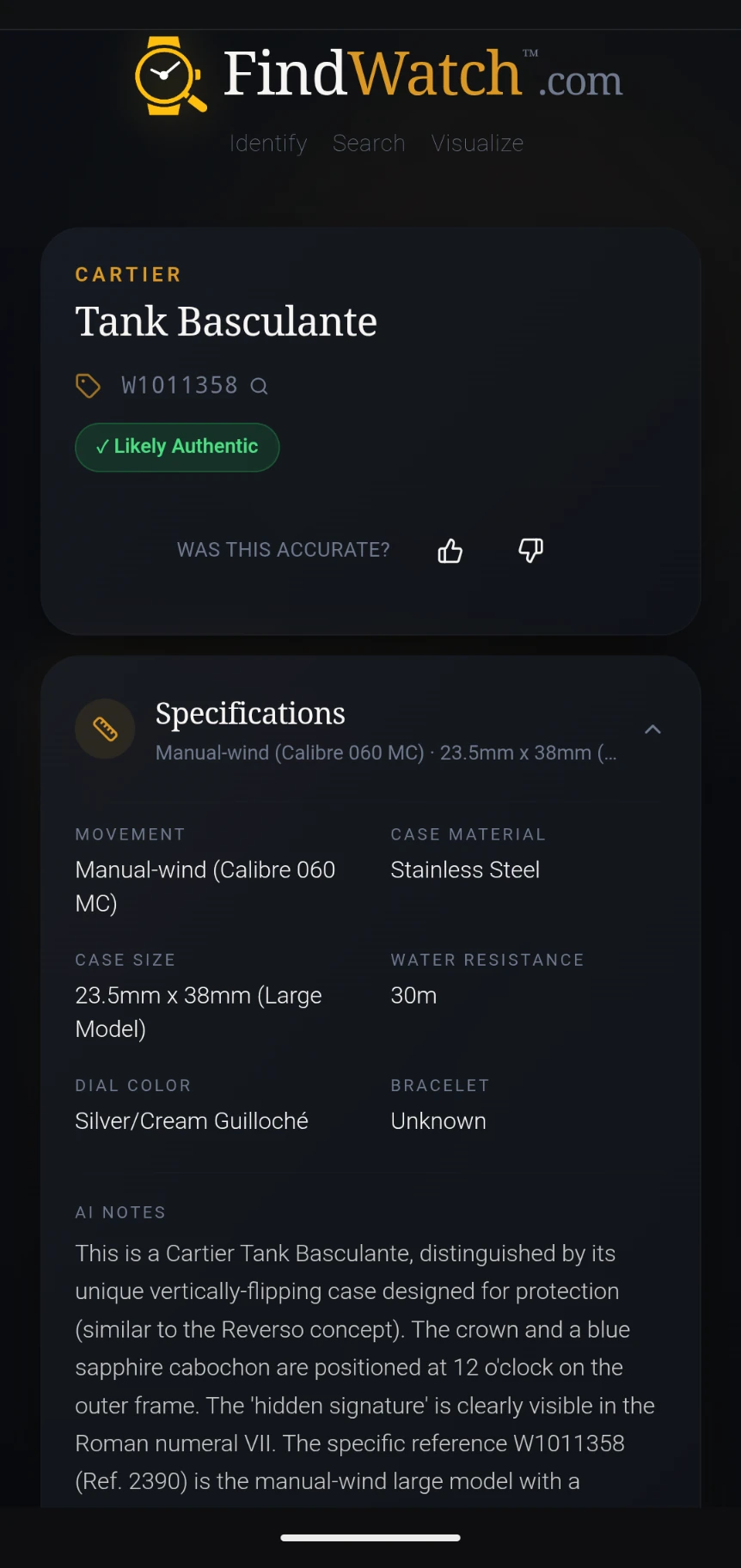
Expand the Specifications section to see movement type, case material, case size, water resistance, dial color, bracelet type, and detailed AI notes about your watch.
Review Authenticity Details
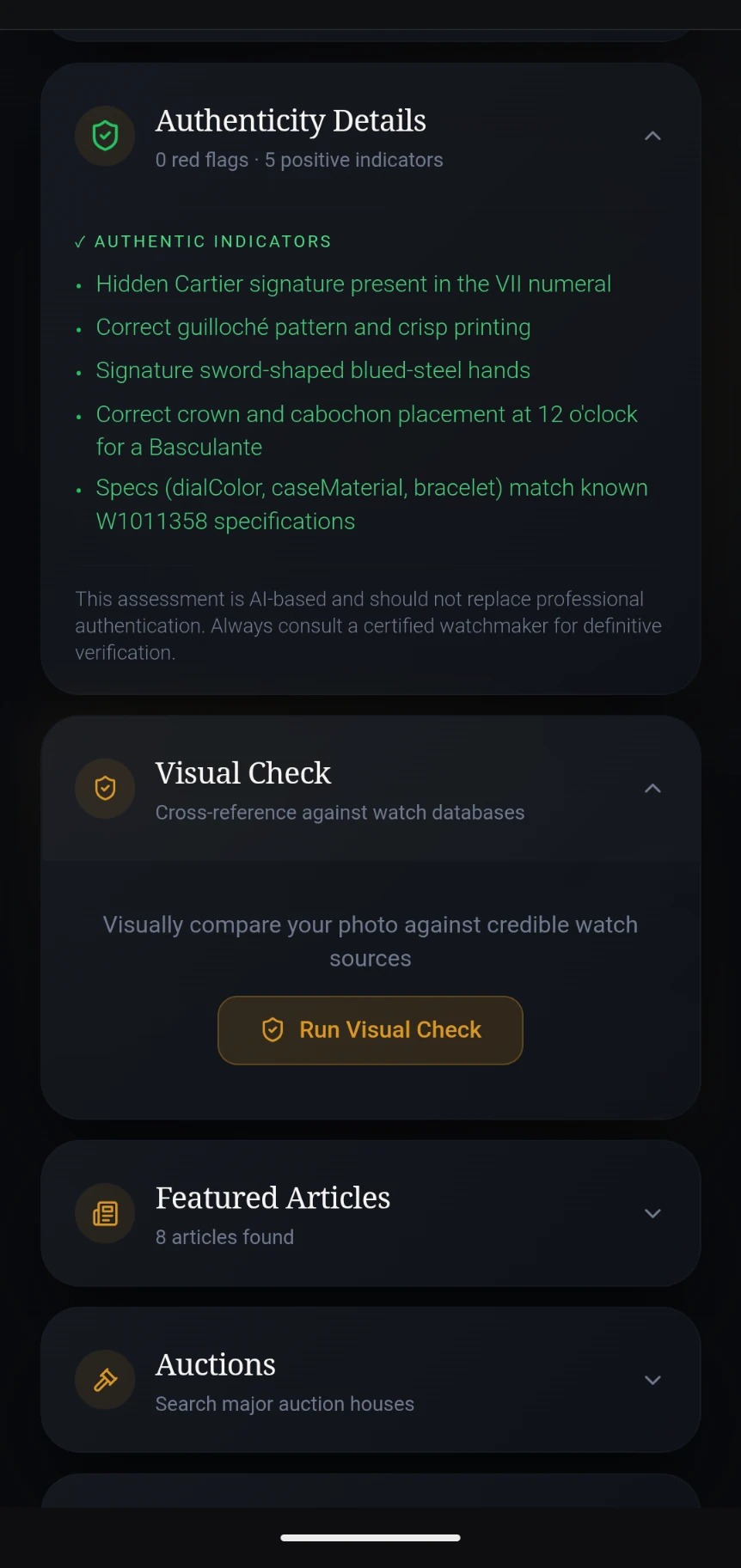
The Authenticity Details section shows positive indicators and any red flags. You can also run a Visual Check to cross-reference your photo against credible watch databases.
Visual Check in Progress
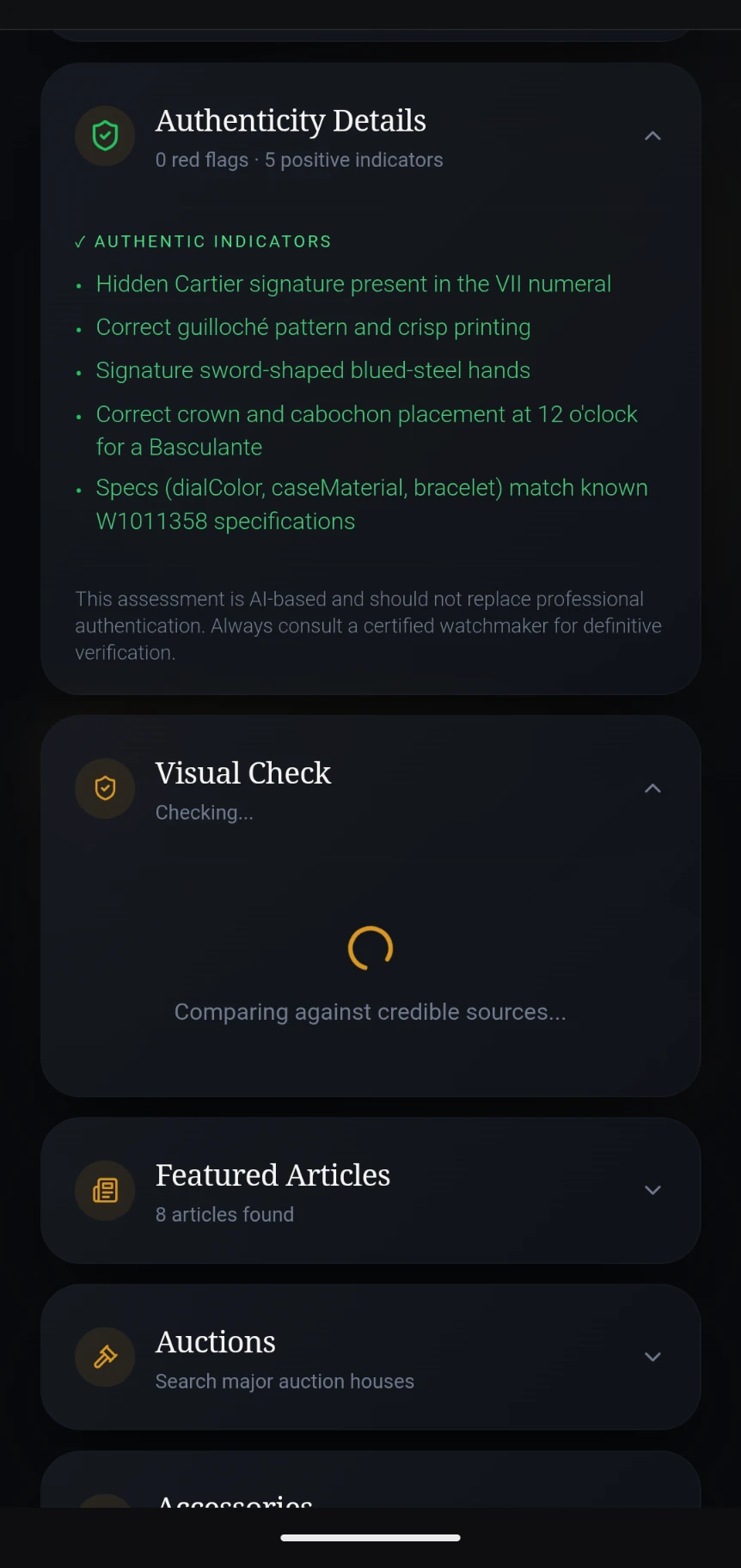
The Visual Check compares your photo against images from credible watch sources to verify the identification. This provides an extra layer of confidence.
Visual Check Confirmed
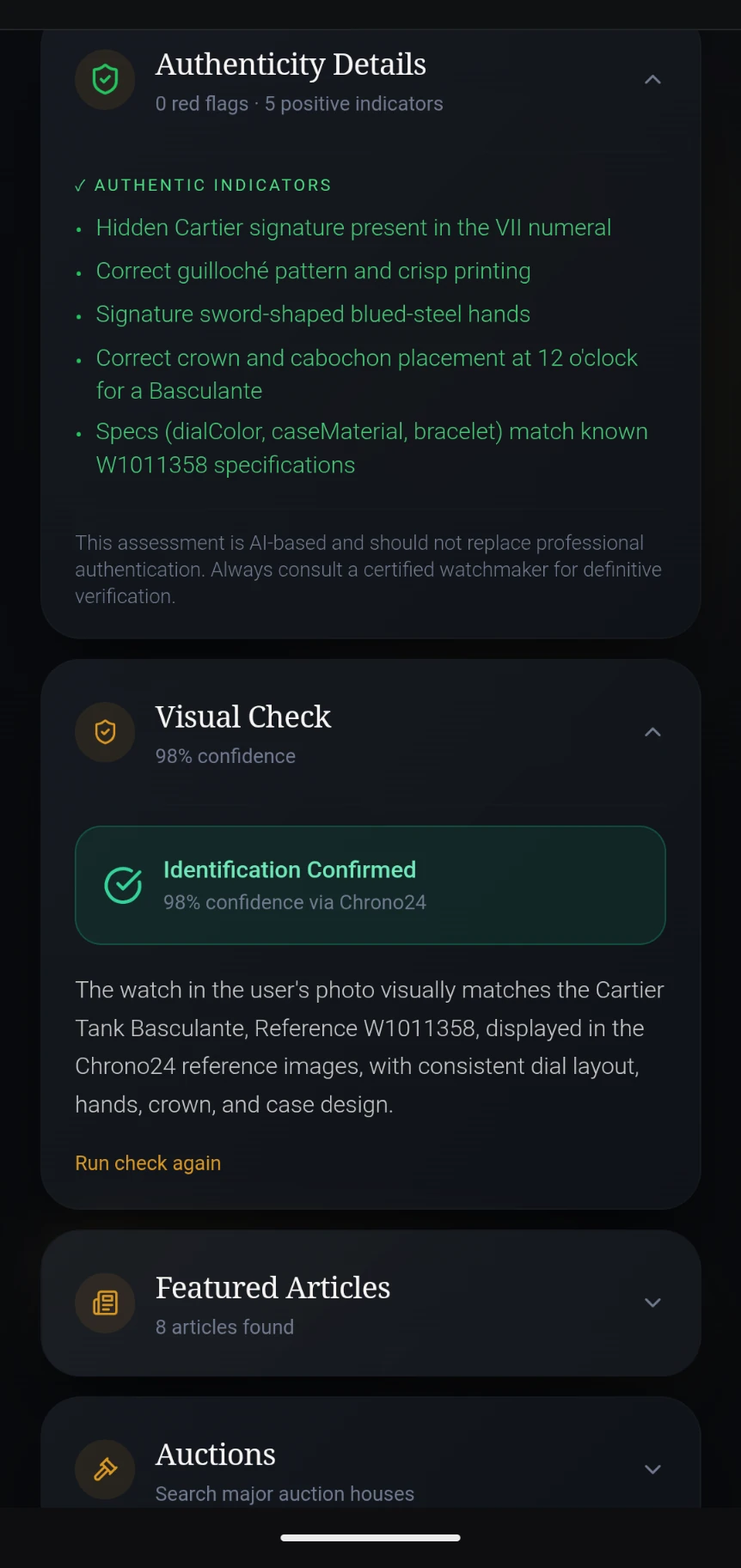
When the Visual Check completes, you'll see a confidence score and a detailed comparison summary. A green "Identification Confirmed" banner means your watch matches the reference images.
Featured Articles
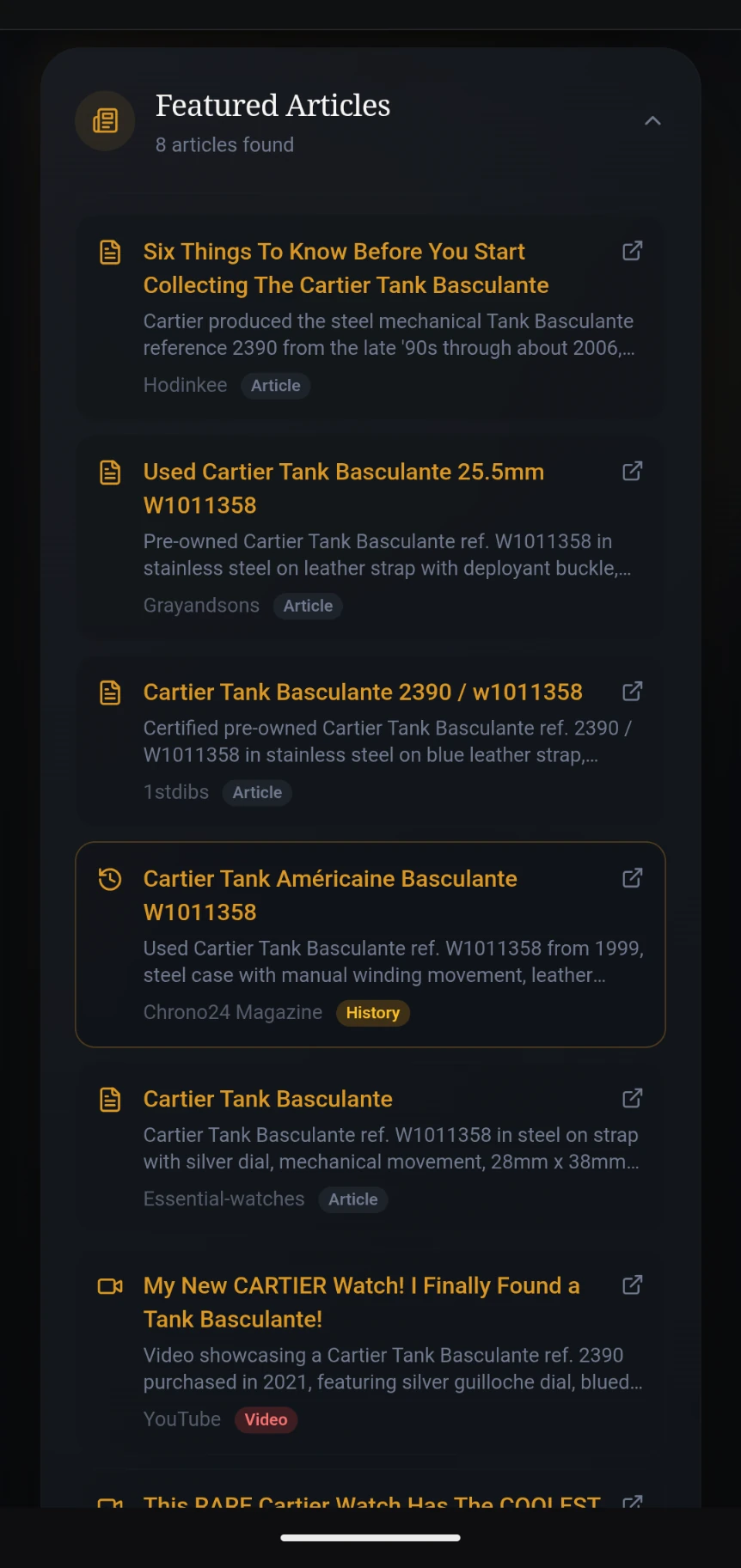
Discover articles, reviews, videos, and historical information about your watch from sources like Hodinkee, Chrono24, 1stDibs, and YouTube.
Auctions, Accessories & More
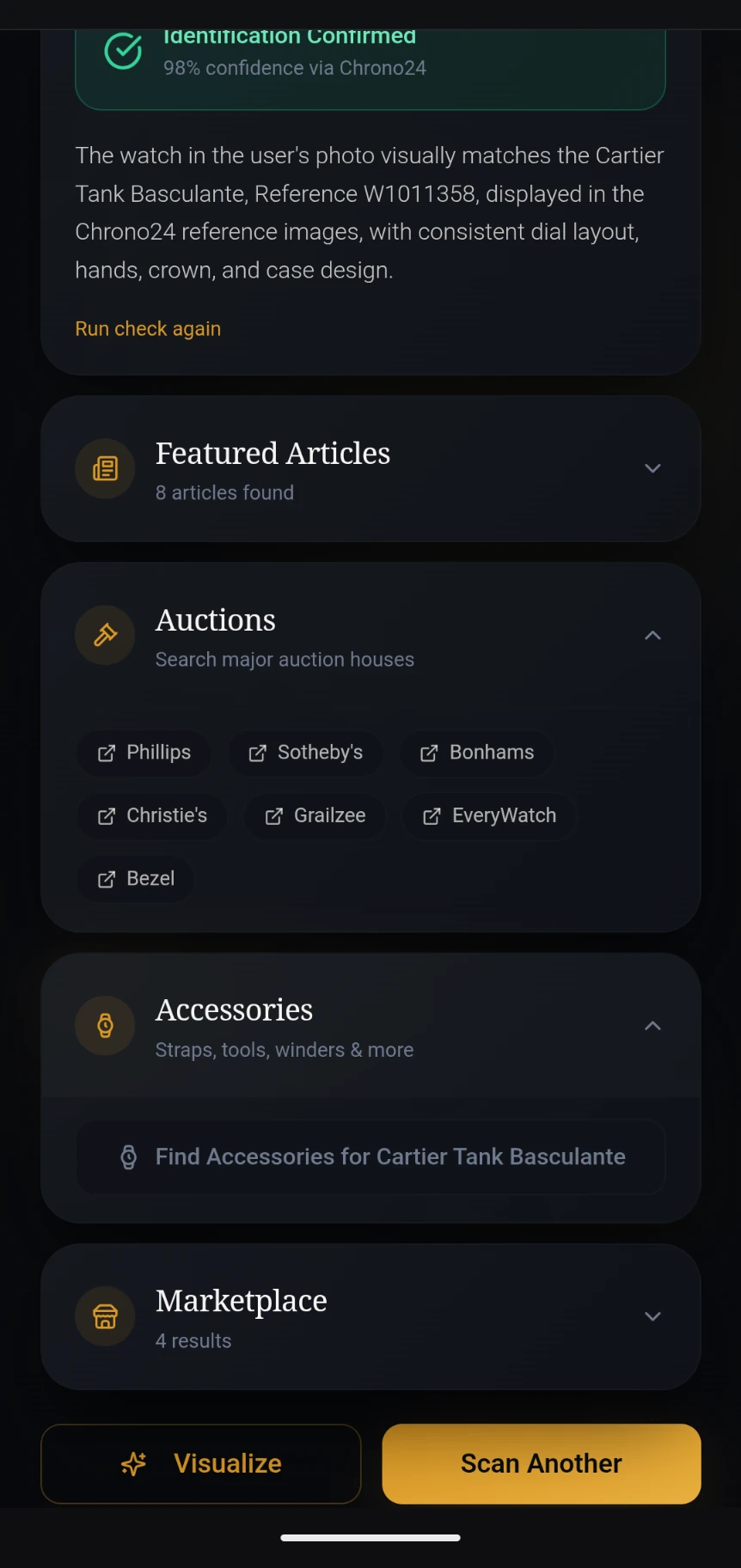
Search major auction houses (Phillips, Sotheby's, Christie's, and more), find compatible accessories, browse marketplace listings, or tap "Visualize" to create stunning images of your watch.
Marketplace Prices
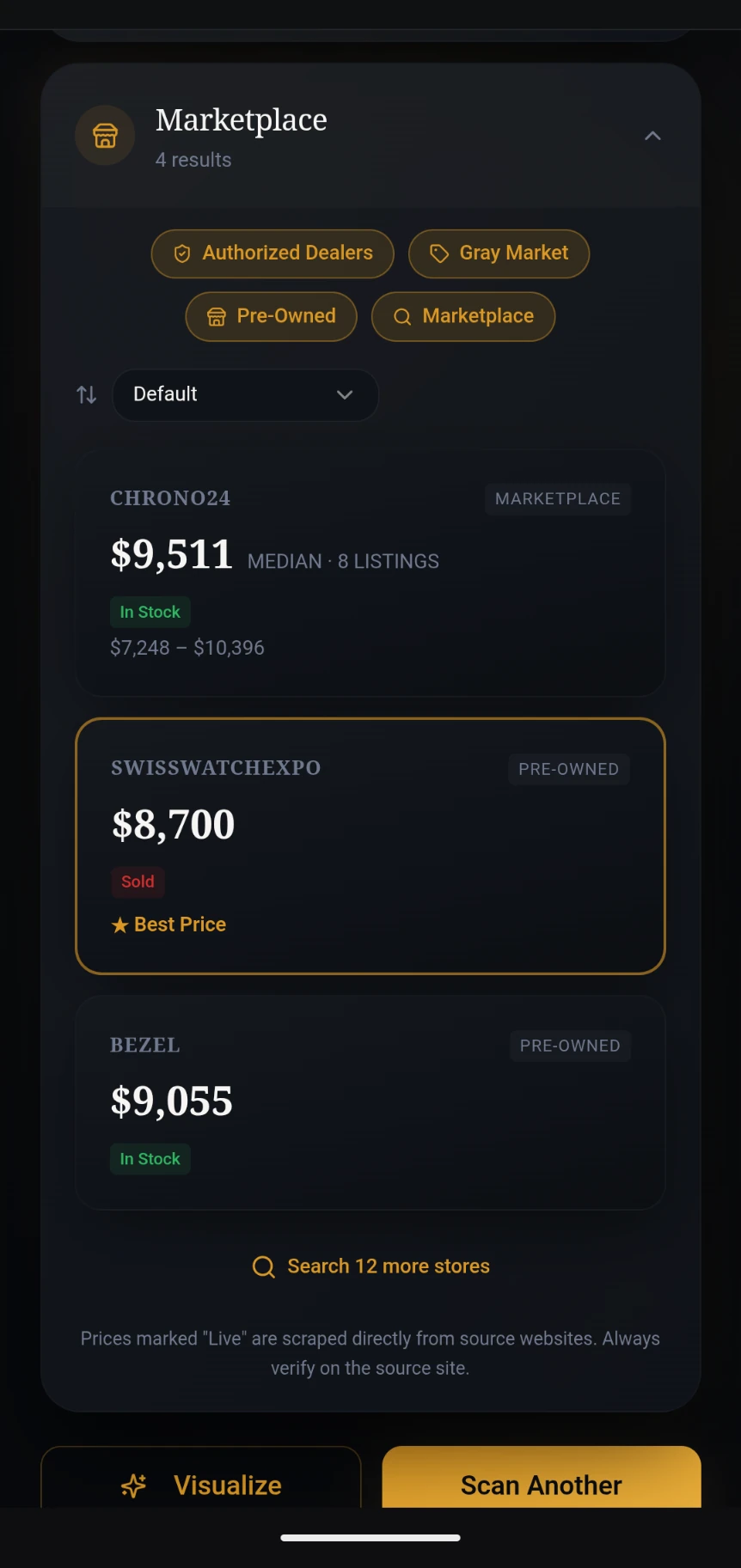
The Marketplace section shows live prices from trusted retailers like Chrono24, SwissWatchExpo, Bezel, and more. Filter by Authorized Dealers, Pre-Owned, or Gray Market. The best price is highlighted with a gold star.
Compare & Buy
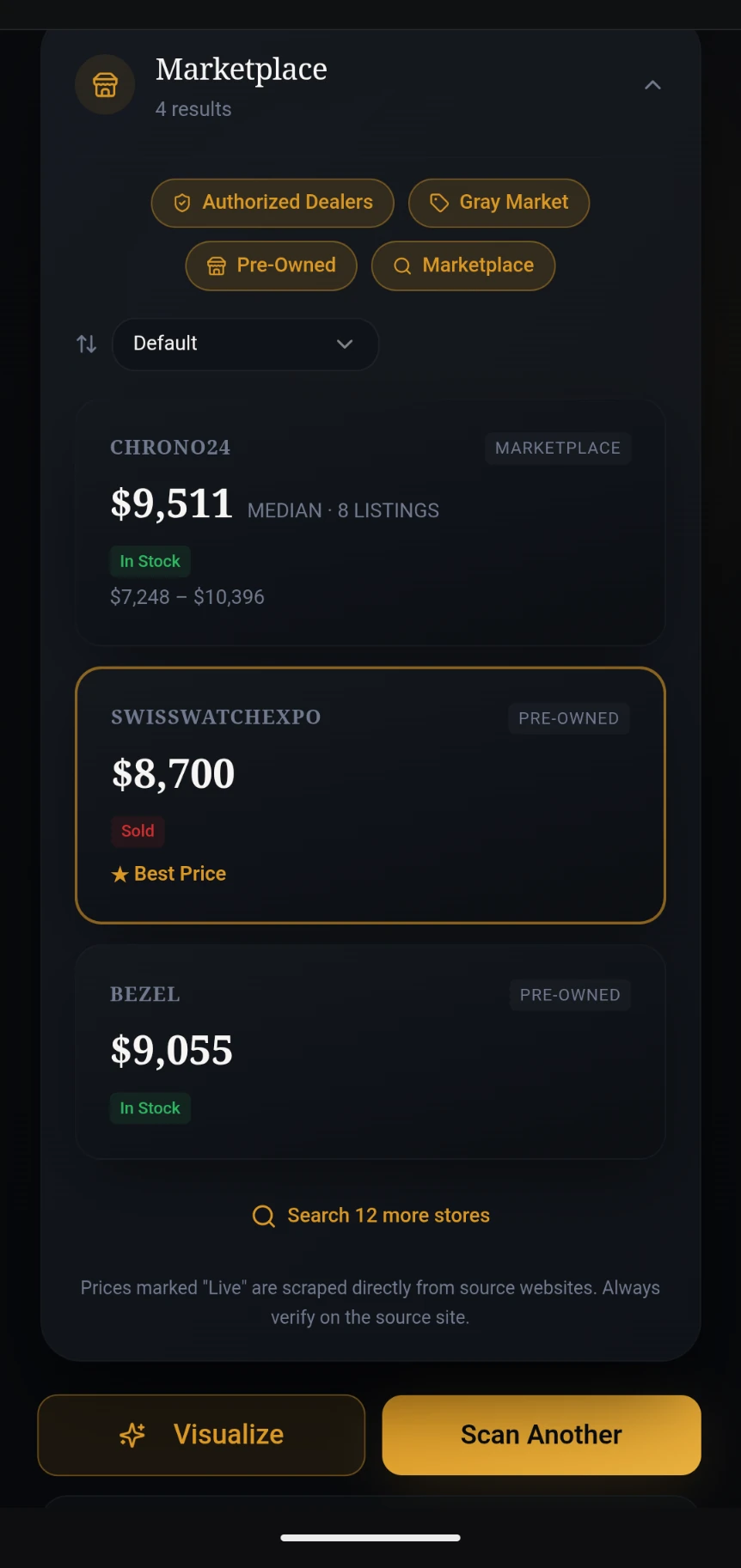
Filter marketplace results by Authorized Dealers, Gray Market, Pre-Owned, or Marketplace. Sort by price and tap any listing to visit the retailer. The "Visualize" and "Scan Another" buttons let you continue exploring.
Find Watch Model from a Picture, Then Visualize It
Open the Visualizer
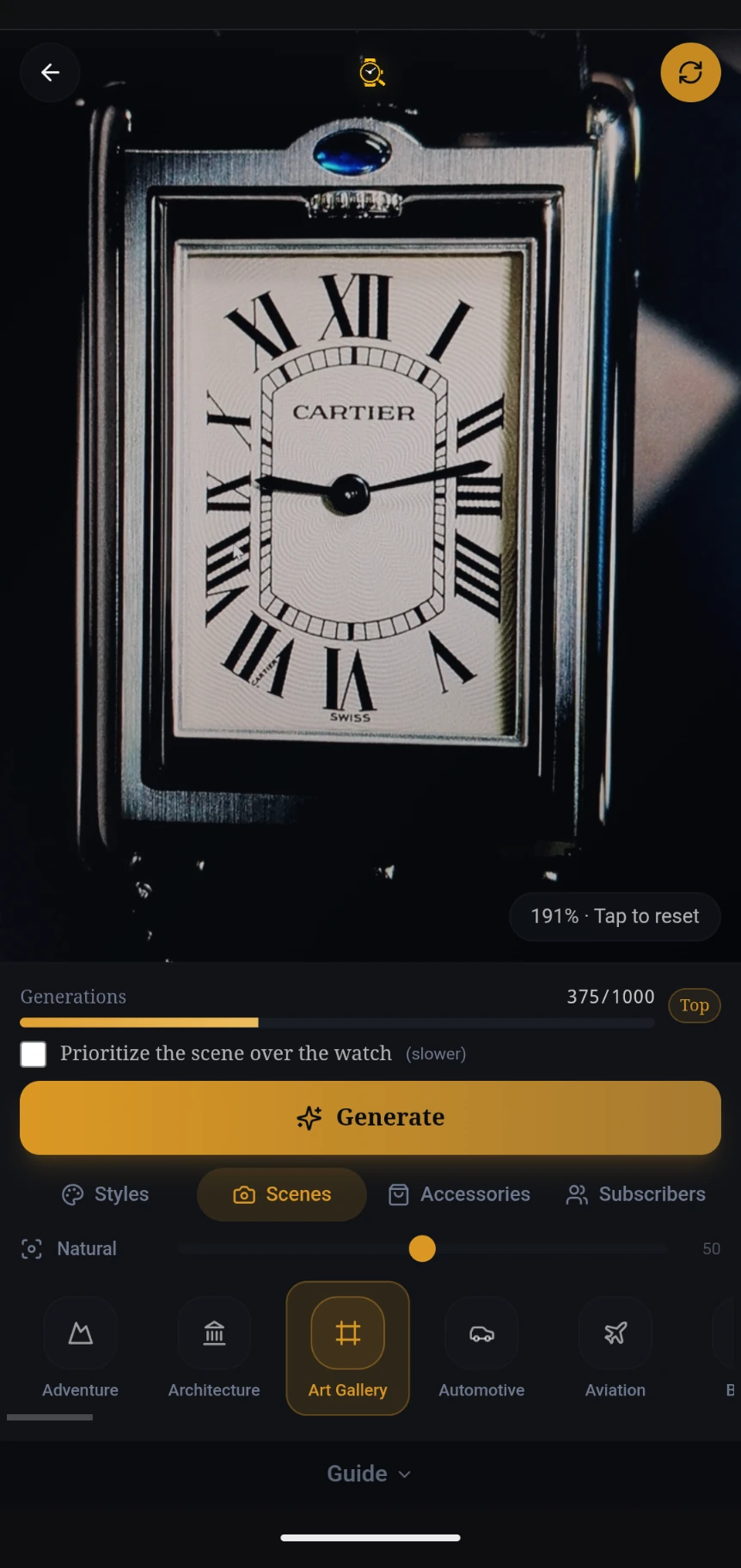
From the results page, tap "Visualize" to open the Watch Visualizer. Your photo loads automatically. Browse scene categories like Adventure, Architecture, Art Gallery, Automotive, and many more.
Generating Your Scene
Select a scene and tap "Generate." The AI composes your watch into the chosen environment. A progress indicator shows the current stage and elapsed time.
View Your Generated Image
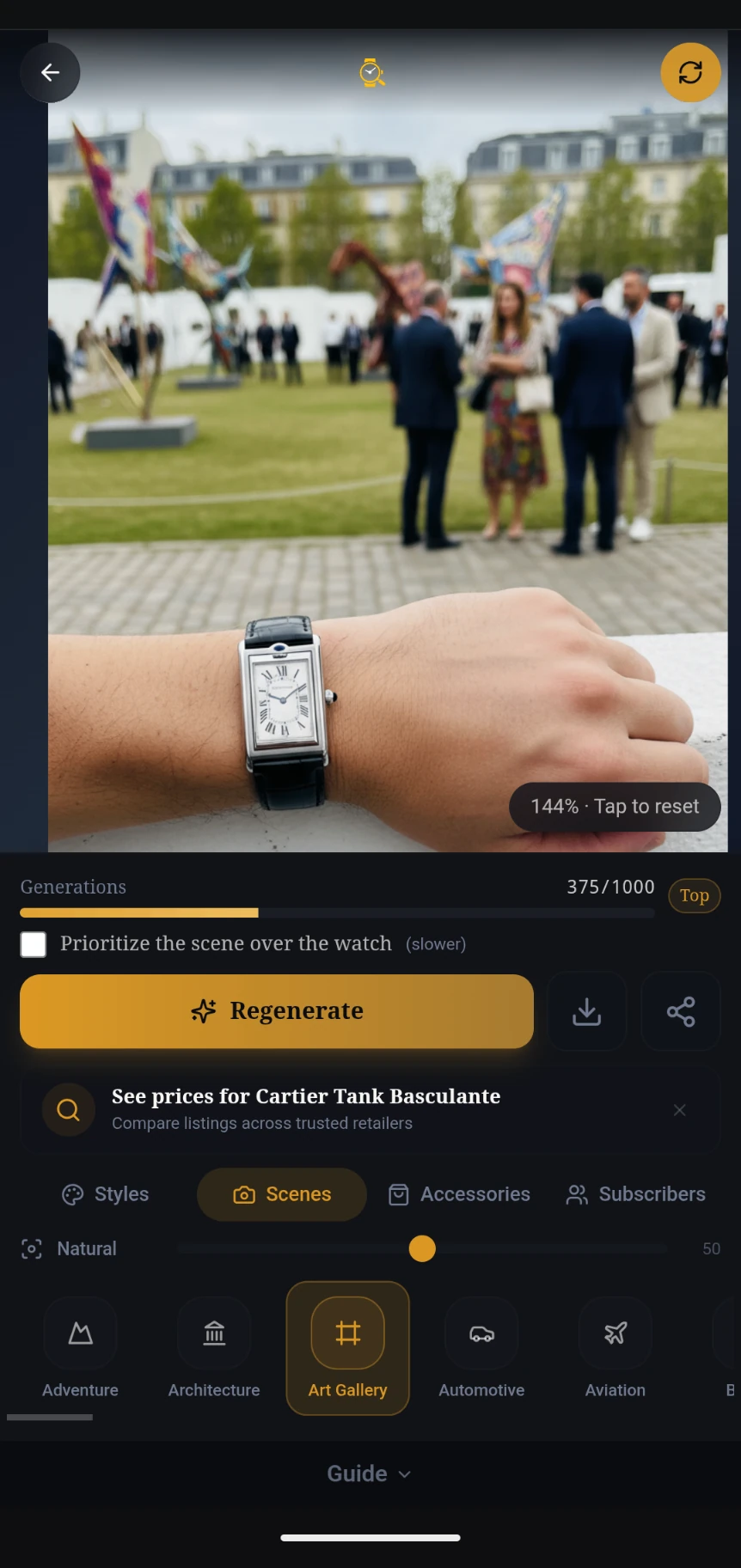
Your watch is placed into the scene with realistic lighting and perspective. You can download the image, share it, regenerate for a different variation, or search prices — all from the action buttons below.
Save & Share
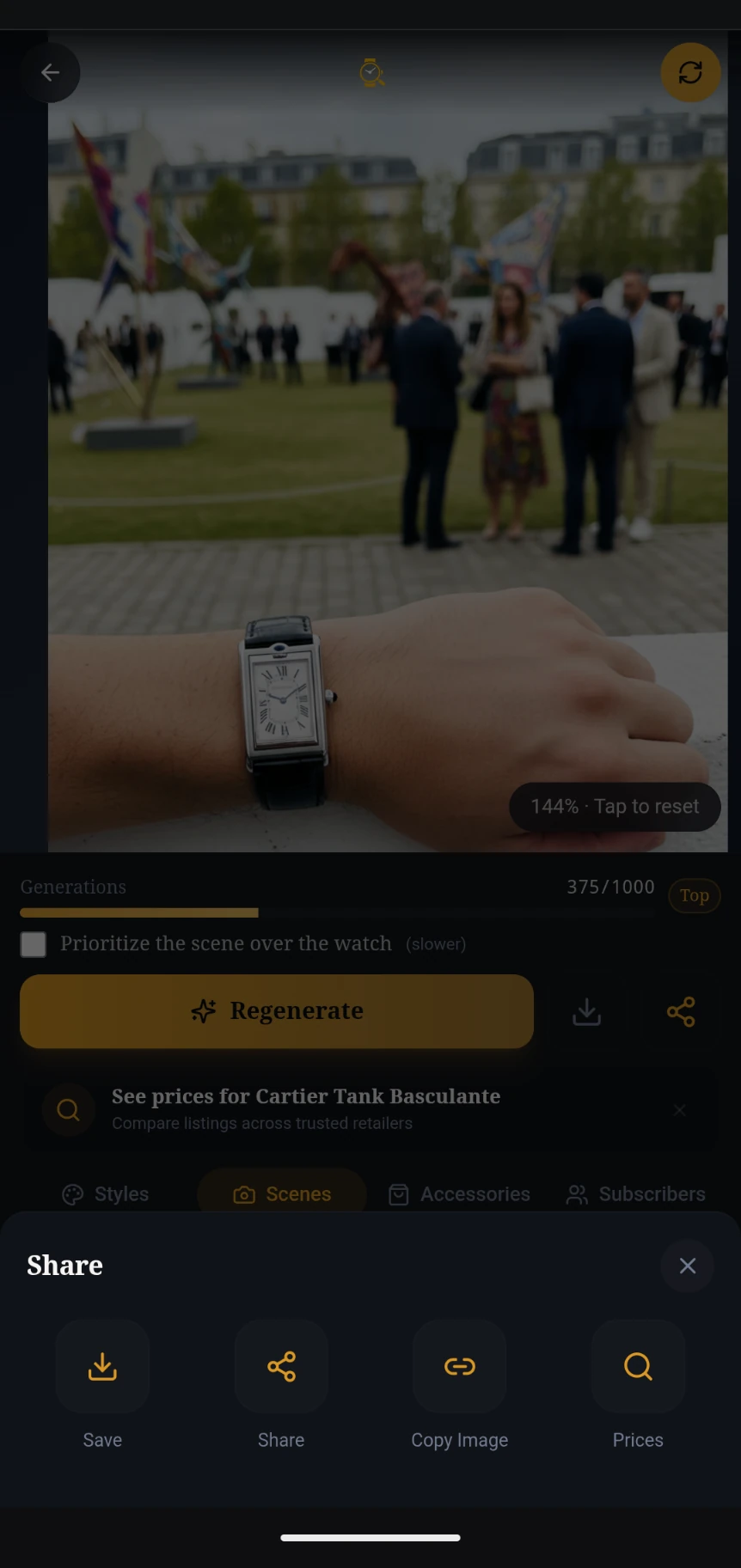
Tap the share icon to open the Share tray. From here you can Save the image to your device, Share it via your phone's share sheet, Copy the image to clipboard, or jump to Prices for your watch.
Identify Watch Straps and Accessories from a Photo
Browse the Accessories Tab
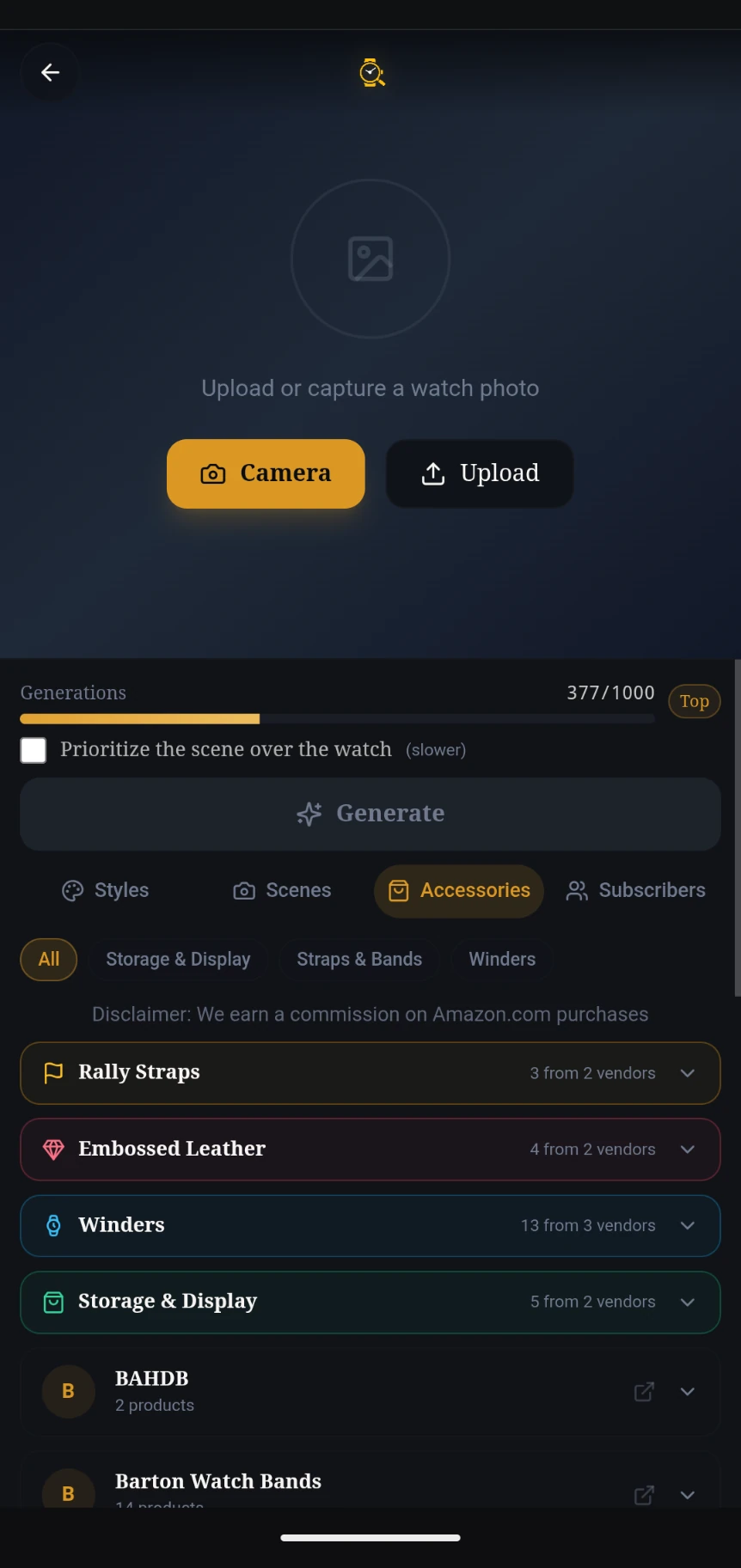
In the Visualizer, switch to the Accessories tab to browse curated watch accessories. Filter by category — Straps & Bands, Winders, or Storage & Display — and explore products from top vendors.
Upload Your Watch Photo
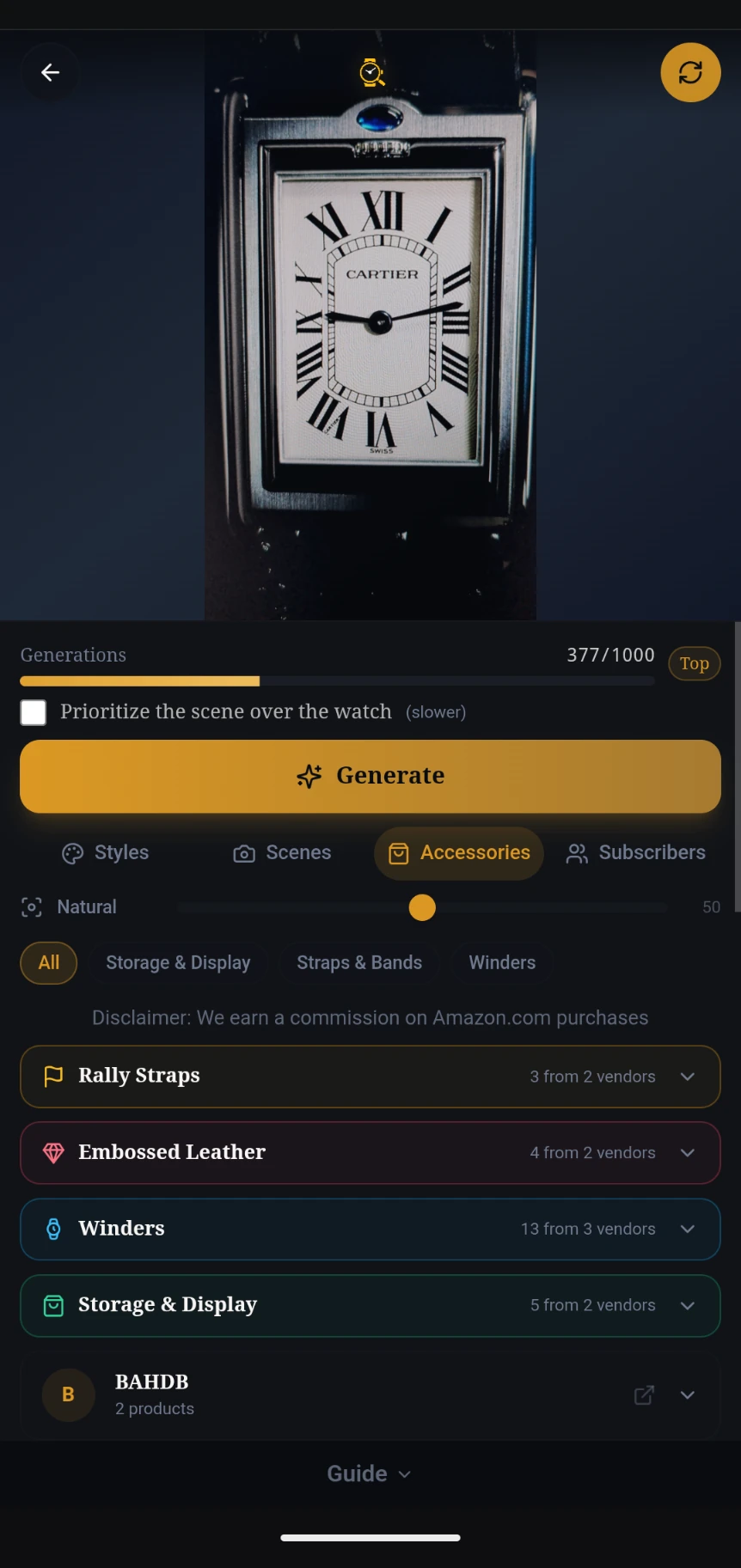
Upload or capture a photo of your watch. Once loaded, you can browse accessories and select one to visualize on your watch. The Generate button activates when a strap product is selected.
Explore Vendor Products
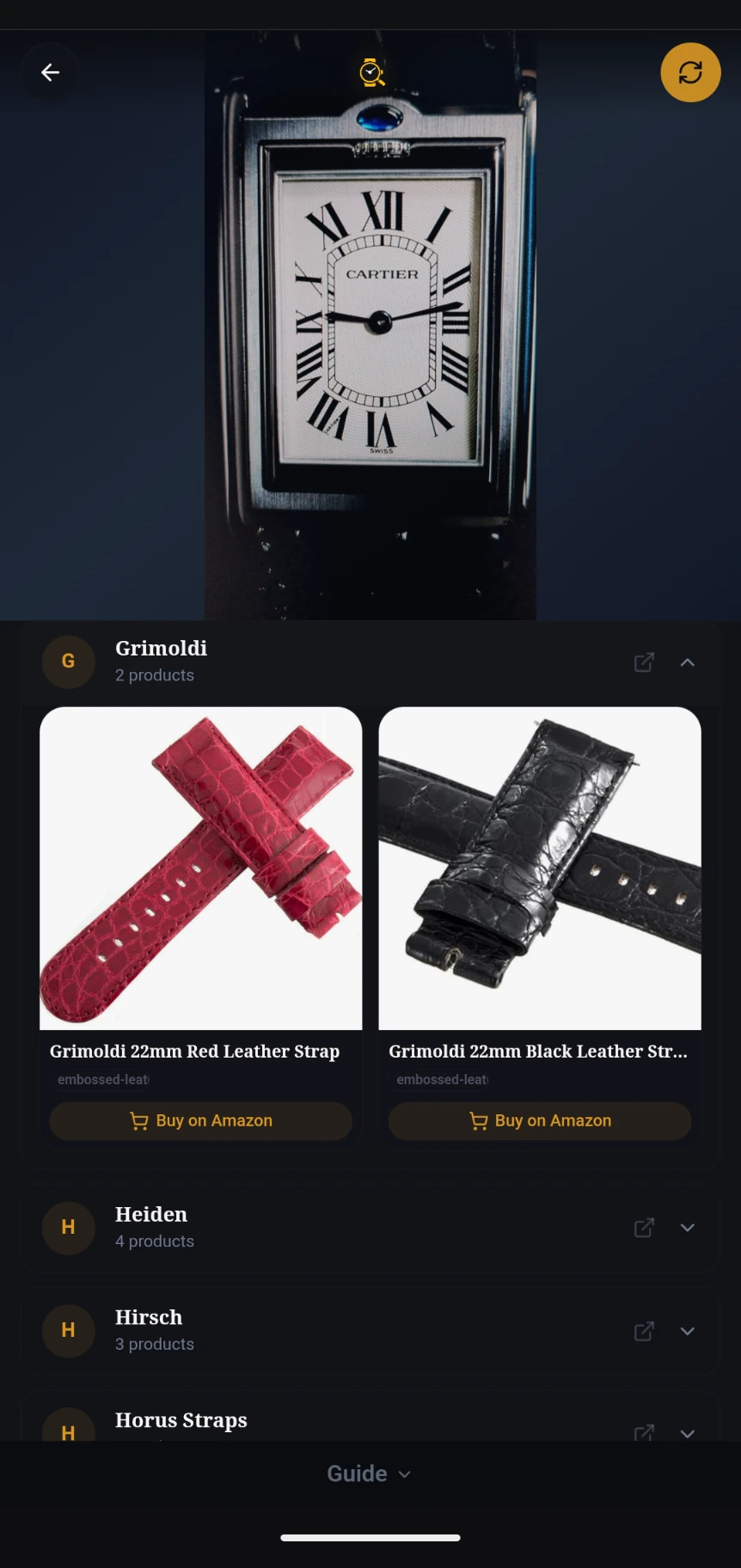
Expand any vendor to see their product lineup. Each product card shows the item image, name, and a direct purchase link. Tap a strap to select it for visualization.
Select an Accessory
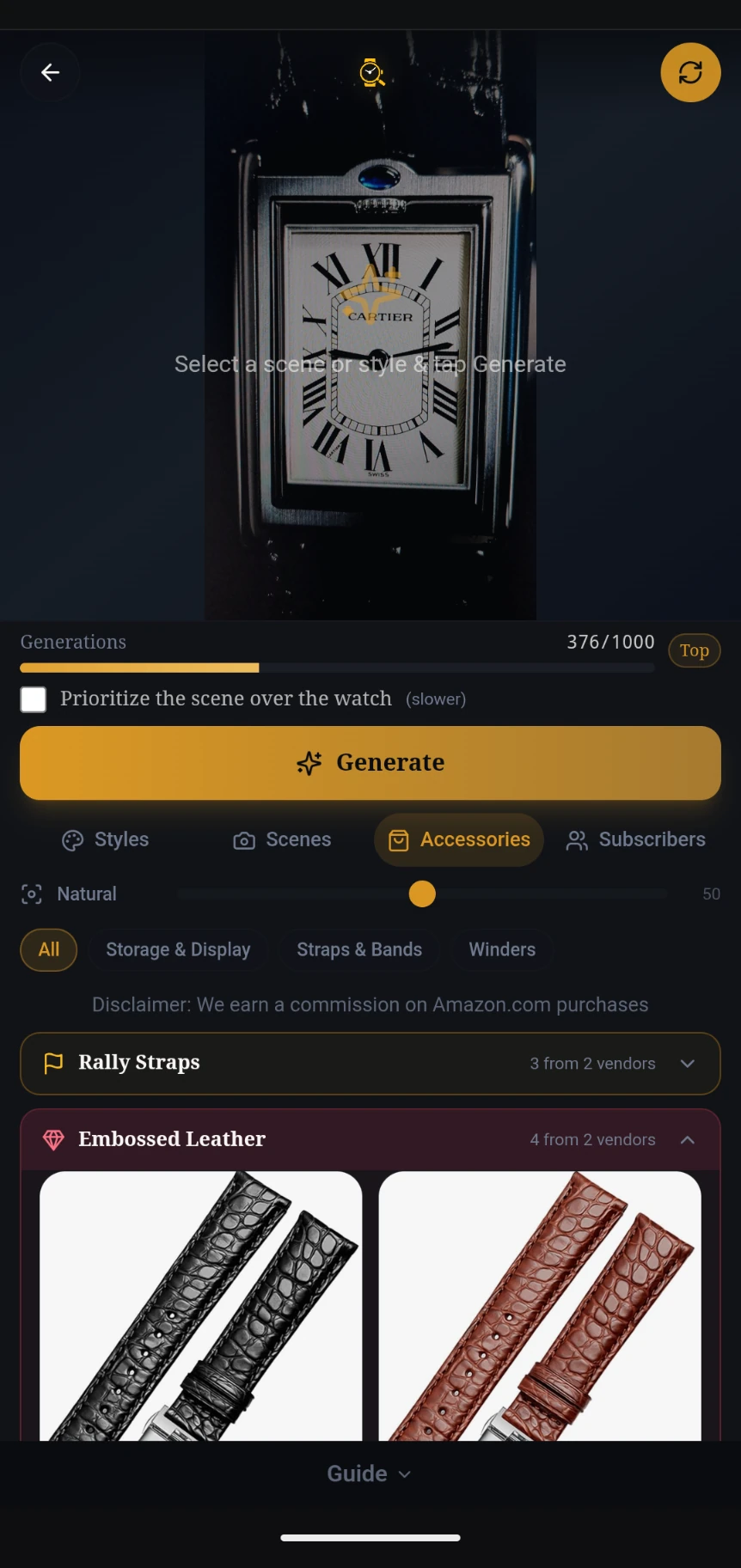
Choose a strap or band from any vendor. The selected product is highlighted and the preview updates to show your watch. Tap "Generate" to create an AI visualization of your watch with the new accessory.
Generating Your Accessory Image
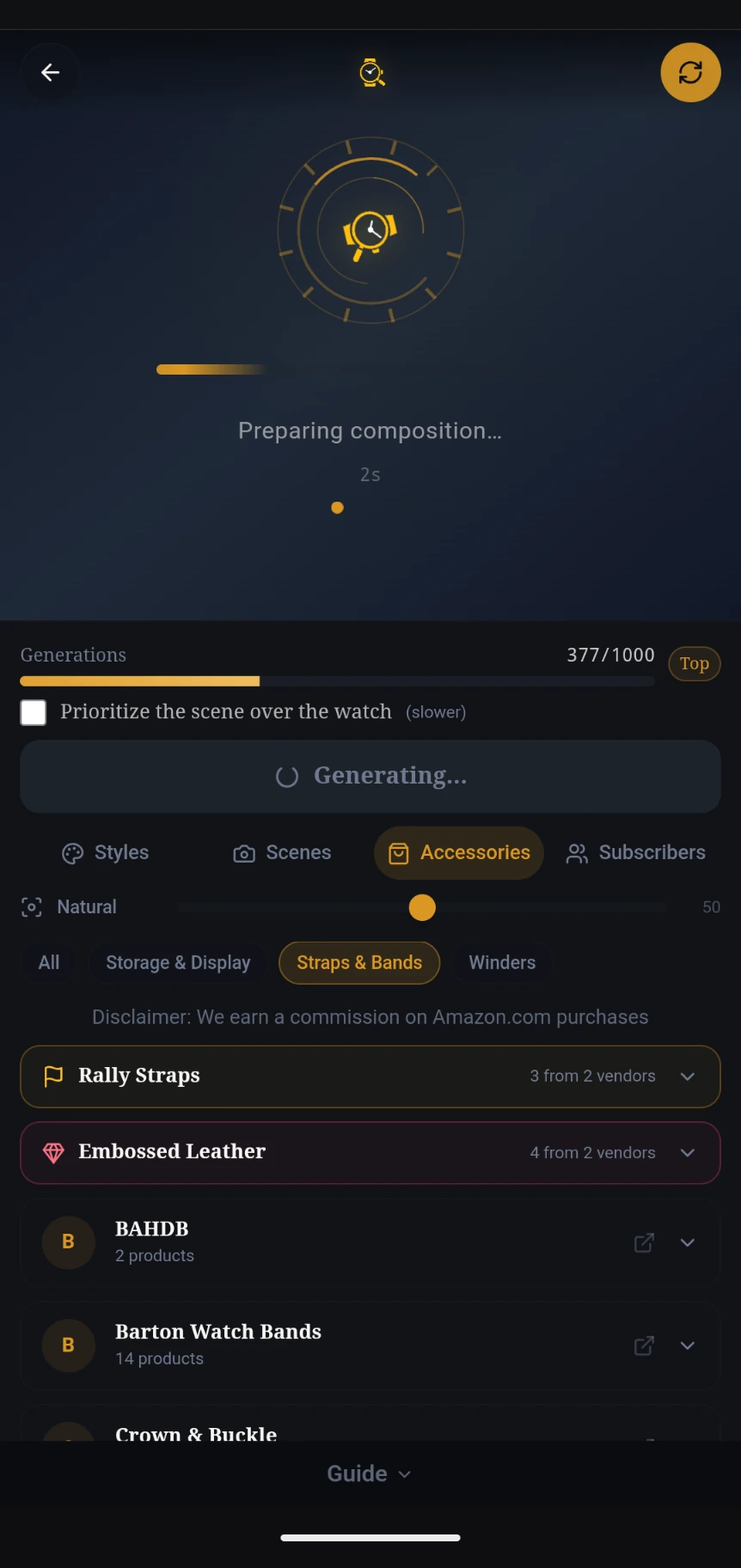
The AI composes your watch with the selected accessory. A progress indicator shows the preparation and generation stages with elapsed time.
View the Result
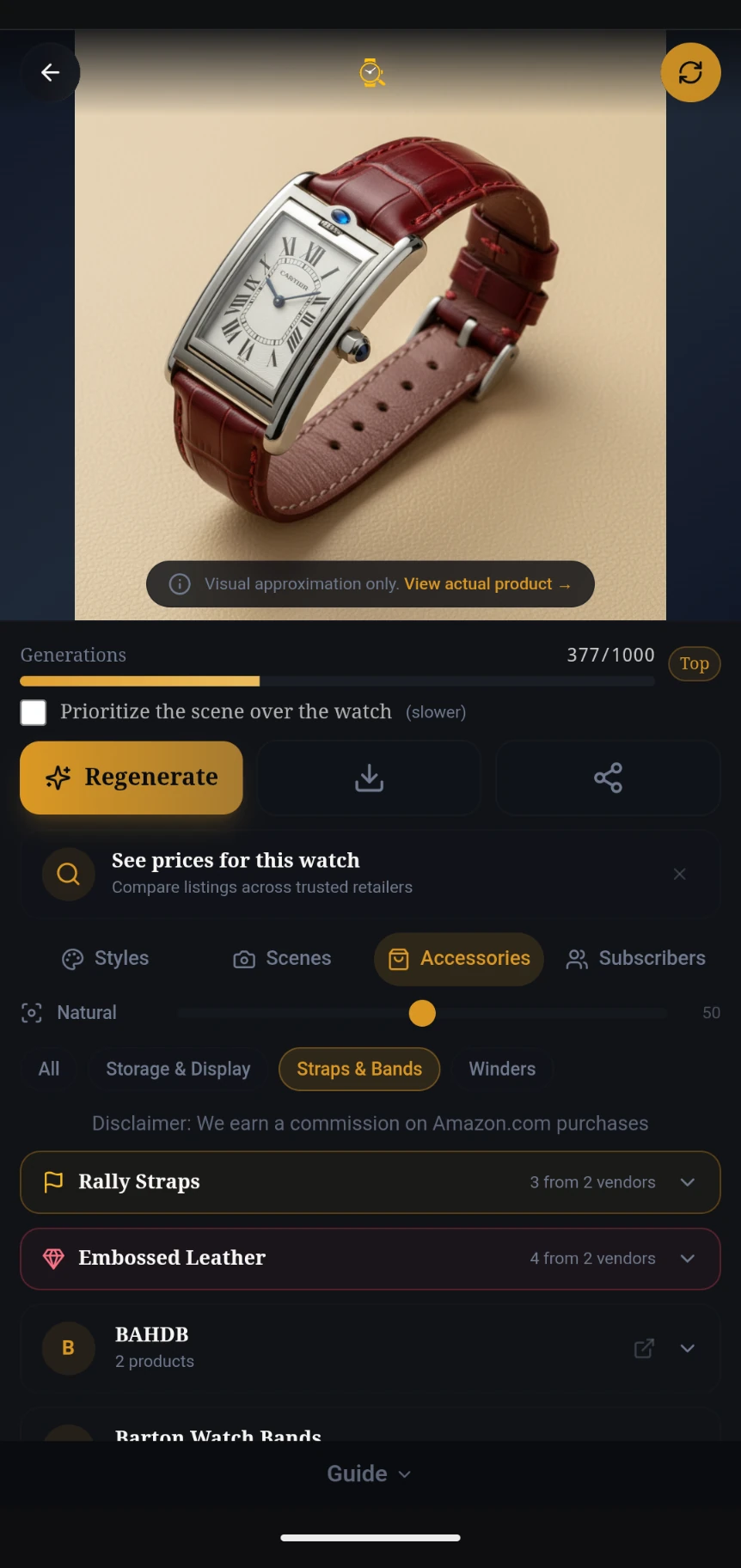
Your watch is shown with the new accessory applied. A "Visual approximation only" banner links to the actual product. You can regenerate, download, or share the image, and check prices for your watch.
Save & Share Your Accessory Image
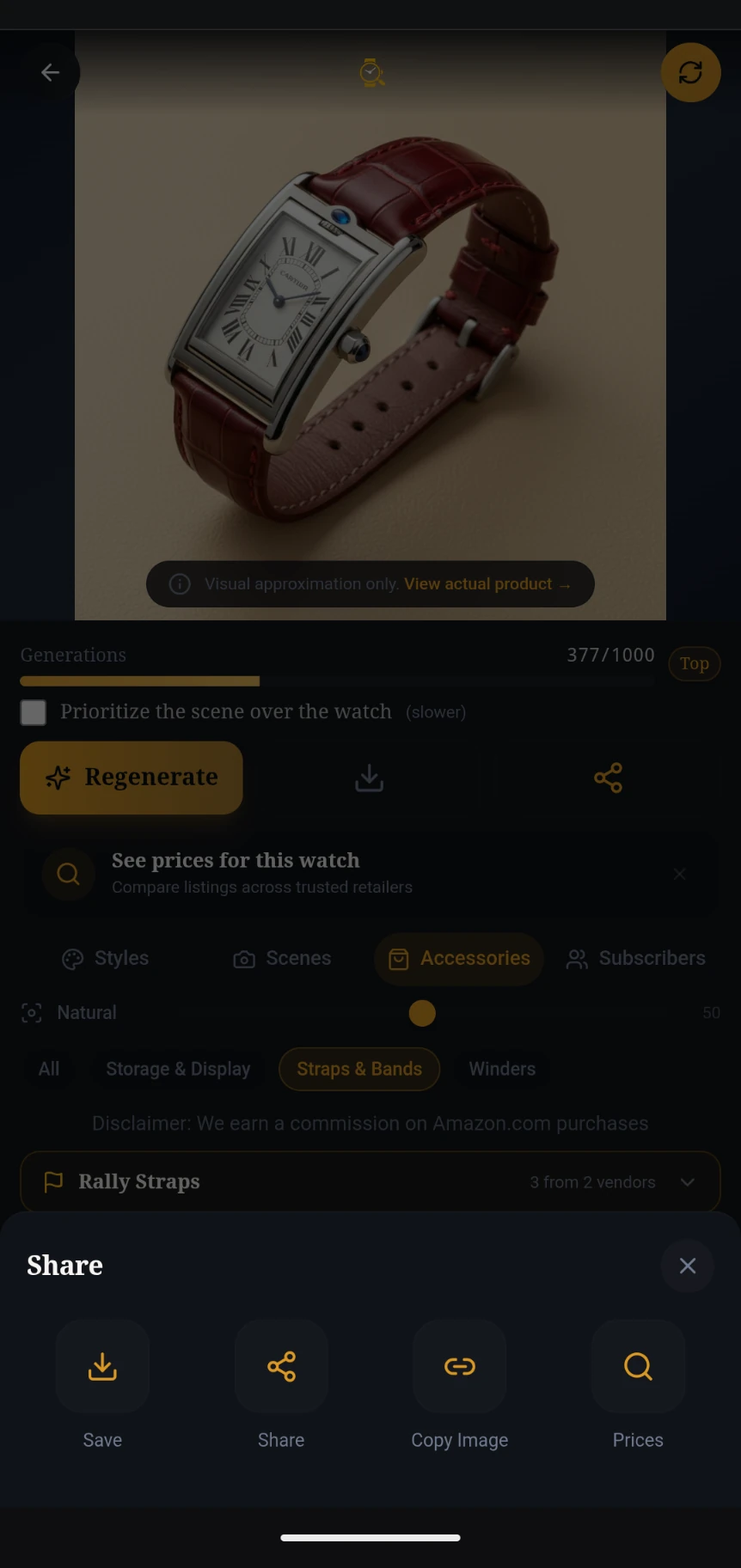
Tap the share icon to open the Share tray. Save the image, share it, copy it to clipboard, or jump to Prices — just like with scene visualizations.
How the FindWatch watch identifier works
Watch identification is a matching problem. Our identifier reads the visual signature of your photo — dial text and logo, hand style, hour markers, subdial layout, date window position, bezel type, case shape, crown guards and bracelet — then matches that signature against manufacturer reference data rather than guessing from the family name alone.
- Legibility check first. Blurry or angled photos are rejected before any identification runs, so you are not handed a confident answer built on an unreadable dial.
- Reference-level result. You get a specific reference number where the evidence supports one, with a confidence level and the exact details that are certain versus uncertain.
- Visual check. Factory product images for the proposed reference are shown side by side so you can confirm the match yourself.
- Authenticity signals. Proportions, logo and dial-text detail are compared against the genuine reference, and anything ambiguous is reported as inconclusive rather than a verdict.
- Specs and prices. Every identified reference links to a page with case size, movement, lug width, and current dealer and market prices for that exact reference.
Vintage watches are handled the same way, except the reference is often unreadable or absent. Case shape, hand style, subdial spacing and movement cues carry the identification instead — the approach that places vintage Heuer, Universal Genève and early Omega chronographs.
In-depth watch guides
Longer reads on identifying, authenticating, and pricing watches.
Find a Watch From a Picture
How to shoot a dial that can be identified — and why reverse image search falls short.
Watch Identifier: How It Works
The cues read from a photo, what they prove, and where uncertainty remains.
Rolex Serial Number Lookup
Enter a serial and get the production year — full 1926–2010 tables included.
Omega Serial Number Lookup
Date an Omega from its movement serial — 1894–1990 tables plus a Speedmaster breakdown.
Watch Serial Number Identification
Find and read serial numbers on Rolex, Omega, Patek, AP, TAG Heuer, and more.
Rolex Reference Number Meaning
Decode every digit of a Rolex reference — model, bezel, dial, and material.
Rolex Submariner vs Omega Seamaster
Specs, movements, chronometry, and live market prices compared side by side.
How to Spot a Fake Luxury Watch
The 11-point authenticity checklist we use to flag counterfeits.
Rolex Submariner Price Guide
Current MSRP and secondary-market ranges for every Submariner reference.
Browse watch references
Specs, reference numbers, and market prices for every watch in our catalog — organized by brand.
How to identify a watch by brand
Identifying a Rolex
Rolex models are pinned down by the reference number engraved between the lugs at 6 o'clock (visible with the bracelet removed) and repeated on the papers. The dial text gives the family — Submariner, GMT-Master II, Datejust — while the bezel, bracelet and case material narrow the exact reference. The serial number between the lugs at 12 o'clock dates the watch.
Identifying an Omega
Omega uses a 14-digit reference (for example 310.30.42.50.01.002) that encodes collection, case size, material and dial. Older pieces carry a short reference inside the caseback instead. Dial wording — Speedmaster Professional, Seamaster Diver 300M, Co-Axial Master Chronometer — plus the caliber decides between visually similar variants and modern reissues.
Identifying a TAG Heuer or vintage Heuer
Modern TAG Heuer references start with a family prefix (CBN, CBS, CAZ, WBN) followed by a dial and bracelet code. Vintage Heuer chronographs — Carrera, Autavia, Monaco — are identified by case shape, caliber and dial layout rather than a printed reference, so the caseback engraving and subdial arrangement matter most.
Checking that it is genuine
Once the model is known, compare dial printing, hand shapes, crown profile, bracelet finishing and caseback details against verified factory images. Mismatches are usually a variant or a re-edition rather than a fake, so treat single differences as a reason to look closer, not a verdict.
See the full fake-spotting checklist → · Find and read a serial number →
Common watch identification questions
What is the best free watch identifier?
FindWatch is a free watch identifier that works from a single dial photo: it returns the brand, model, likely reference number, a confidence level, factory reference images to compare against, and current market prices. No account or payment is needed for photo identification, and it covers modern and vintage references rather than only current catalogue models.
How does a watch identifier work?
A watch identifier reads the visual signature of the watch — dial text and logo, hand style, hour markers, subdial layout, bezel, case shape and bracelet — and matches it against a reference catalogue. FindWatch combines that visual read with reference data from manufacturer catalogues, so the result is a specific reference number rather than just a family name.
What watch is this from a photo only?
A single clear photo of the dial is usually enough. Upload it on the FindWatch home page and you get the brand, model, likely reference number and a confidence level, plus verified factory images to compare against. No sign-up is required — one free lookup per day.
How do I find out what watch this is?
Take a straight-on photo of the dial in good light, then upload it to our watch identifier. The AI reads the brand text, hands, markers, subdials and case shape to return the model and reference number, usually in under a minute.
Can I identify a watch from a picture without the box or papers?
Yes. Box and papers help confirm provenance, but the watch itself is what matters for identification. The photo needs the dial, hands, and any visible text or logo to narrow the brand, model and reference.
What details should the photo show to identify a watch?
Focus on the dial straight on, with the brand name, logo, hour markers, hands, and any subdials clearly visible. Side shots of the case, crown, and bracelet can help, but the dial is the most important part.
How do I tell which Rolex model I have?
Read the dial text for the family, then the reference engraved between the lugs at 6 o'clock. Bezel type (rotating dive, fluted, smooth), bracelet (Oyster, Jubilee, President) and case metal decide the exact reference within that family.
How do I identify my Omega Speedmaster or Seamaster?
Check the full dial wording and the caliber. Speedmaster Professional models with a hesalite crystal and Cal. 1861/3861 differ from Co-Axial variants, and Seamaster Diver 300M references are separated by bezel material, wave-pattern dial and case size.
Does the watch identifier work for vintage watches?
Yes, vintage watches are identified by case shape, hand style, dial layout and movement when the printed reference is worn or missing. This is especially useful for vintage Heuer, Universal Genève and early Omega chronographs.
What if my watch has no visible reference number?
Vintage pieces often carry the reference inside the caseback. When it cannot be read, identification relies on case shape, hand style, subdial layout and movement, which is how vintage Heuer, Universal Genève and early Omega chronographs are placed.
Can it tell me what the watch is worth?
Yes — every identified reference links to a page with specs and current market prices gathered from dealers and retailers, so you can see asking prices for the exact reference rather than a family average.
Is the FindWatch watch identifier free?
Yes. Basic photo identification is free and does not require an account. Some advanced features like unlimited visualizations or high-resolution exports are part of paid plans, but the core 'what watch is this' lookup is free.
How accurate is the watch identification?
Accuracy depends on photo quality and how common the reference is. Modern watches with clear dial text and known reference numbers are identified with high confidence; rare or heavily modified vintage pieces may return a probable family or an 'inconclusive' result with next steps.
For more details and how to partner with us, go to FindWatch.org